- Students
- Instructors
Students can study a deck full screen
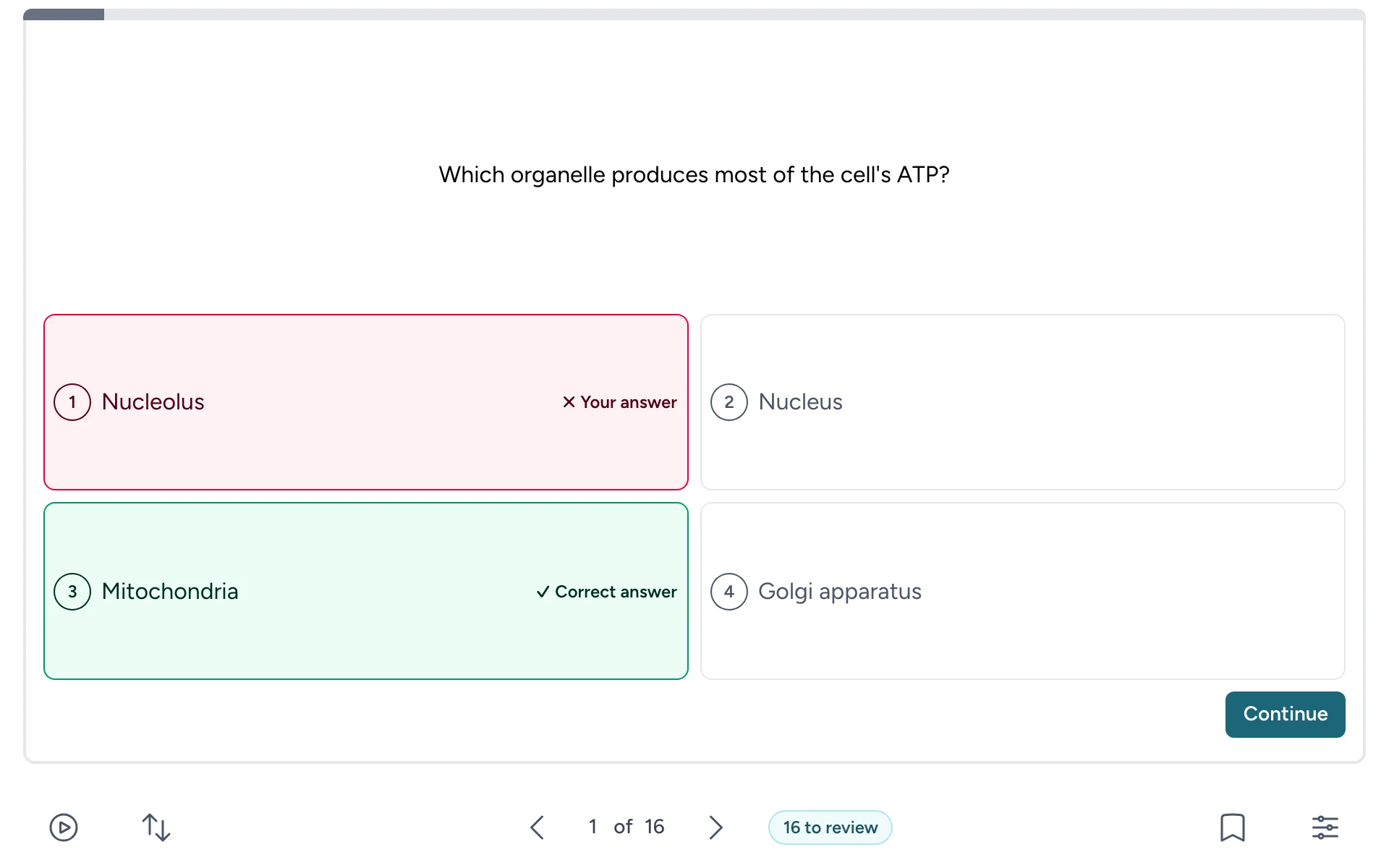
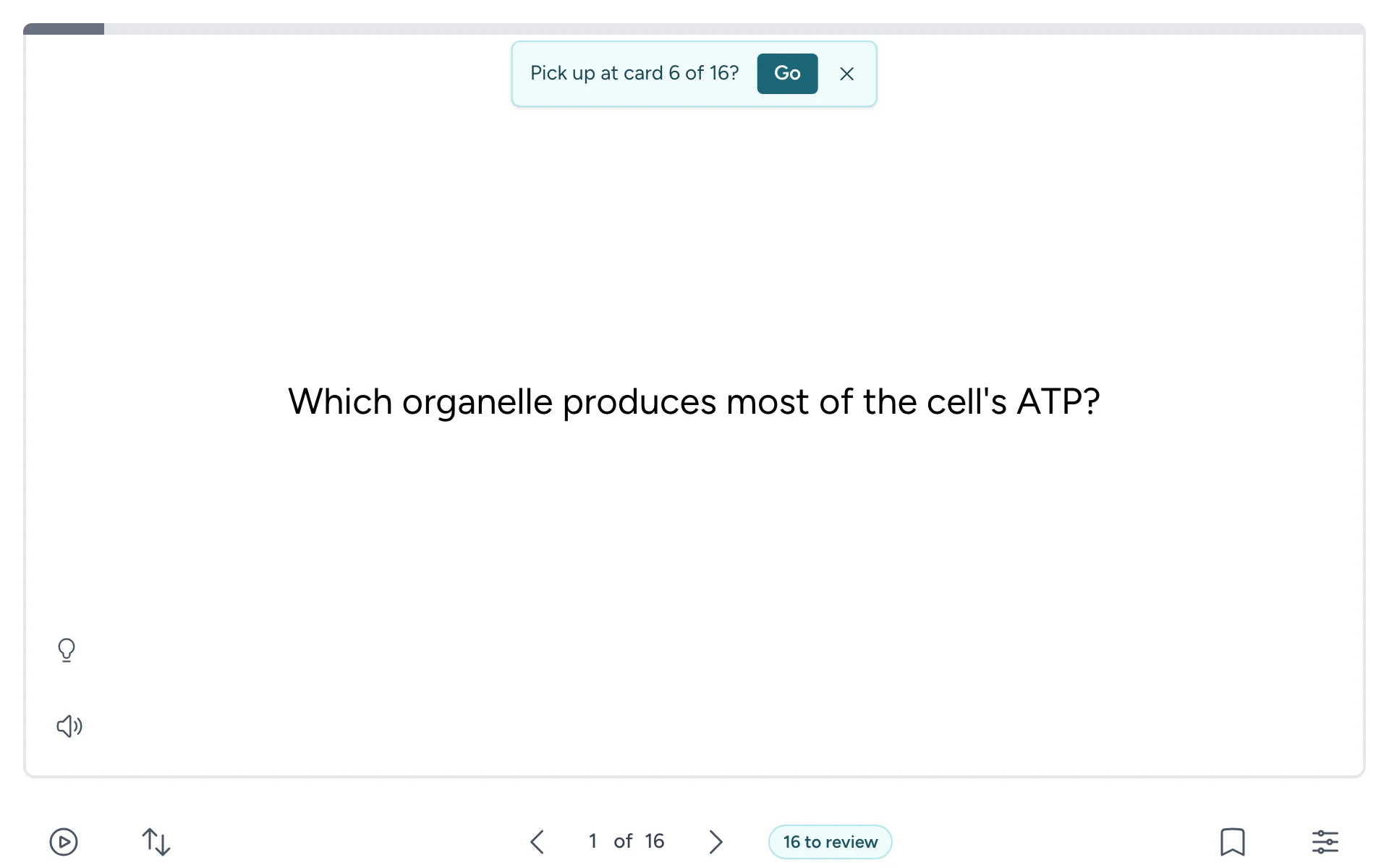
When a deck sits in a small frame in your course or on your website, students can now make it fill their screen. They select Full screen, the last button below the card. To go back, they select it again or press Esc.
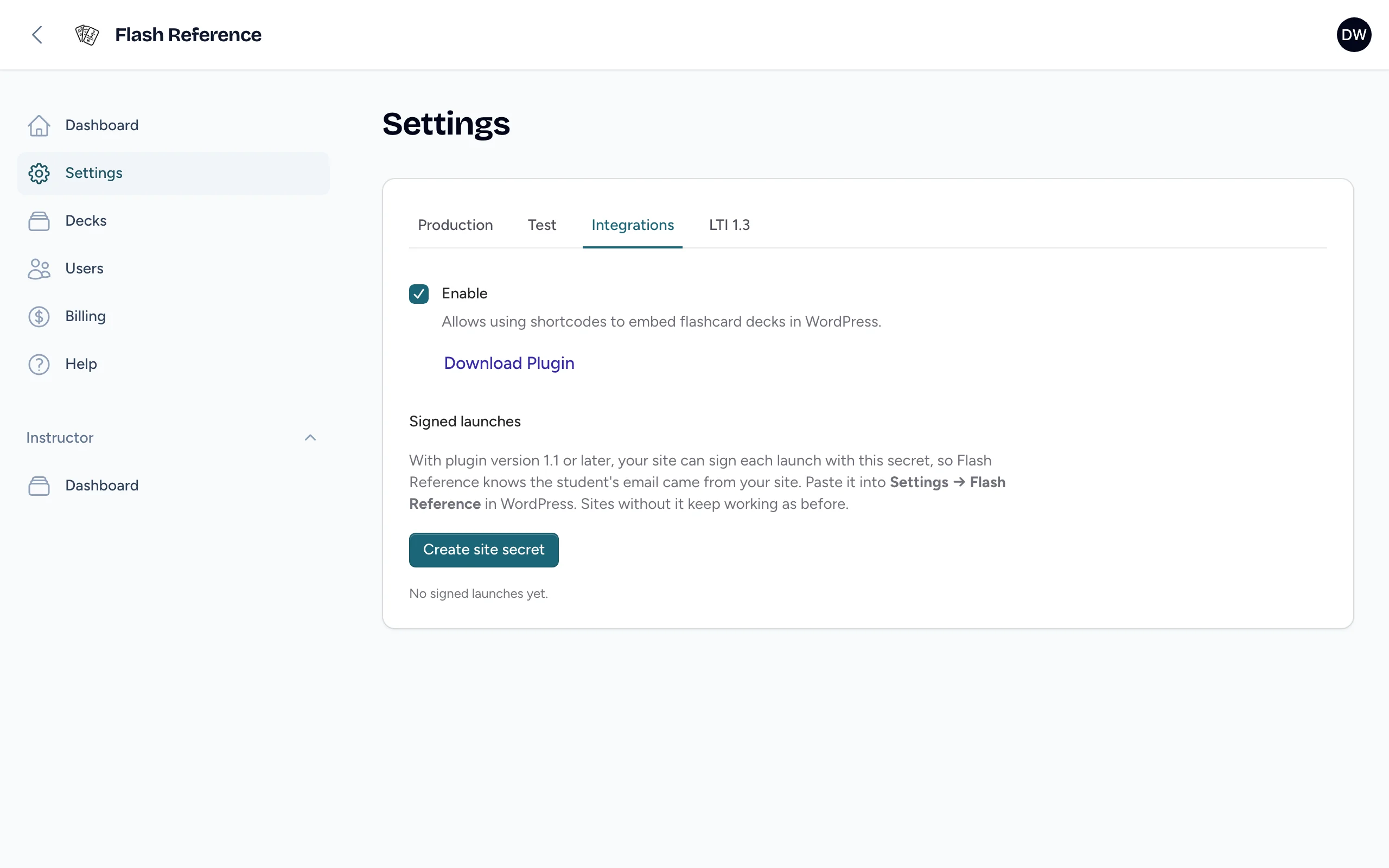
The button shows wherever the course or website allows full screen, as Canvas, Moodle and our WordPress plugin do. iPhones don't support full screen, so it doesn't show there.